Plan the day.Run it live.Crew stays in sync.
Plan the day. Run it live. Wrap clean.Build the day, check the gear, send the call sheet, then run the schedule with Live Production Mode, AI checks, and a wrap summary.
Closed beta for solo shooters and small crews: full access for 60 days. After 60 days you keep everything on Free, or stay on Pro.
Because "we'll figure it out on set" is not a production system.
Live production scheduling you reshape on the fly — extend, bank, lock, or skip anything.
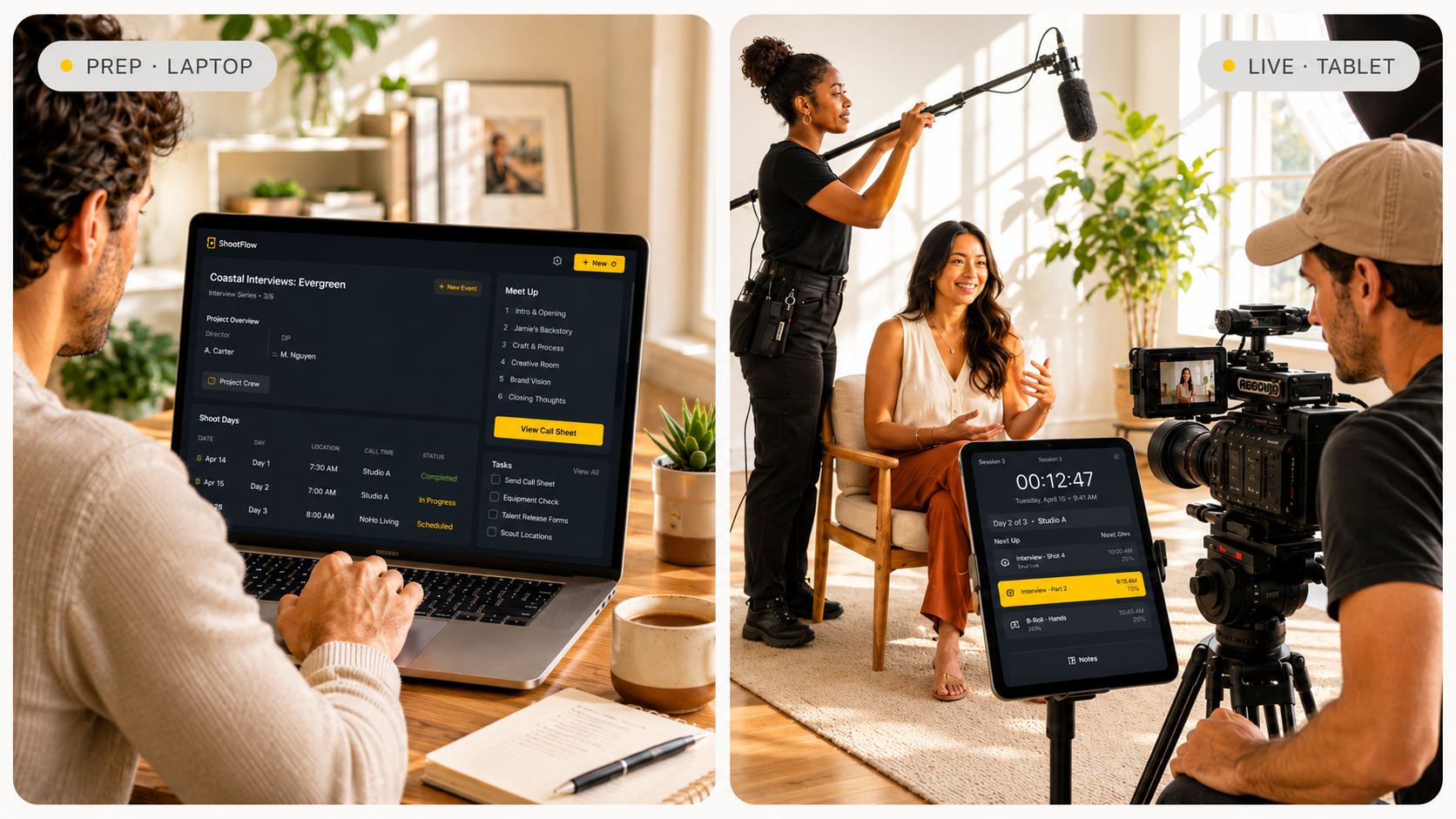
Start a project, block out the days, and watch them land on the calendar — all in one flow.
Project is live and days are booked. Next: time each day out with a Rundown — sections and items that drive the shoot from setup to wrap.
Rundown — timed scenes, shots, interviews and B-roll every other tool reads from.
Open Load-in, Interview, B-roll — each one holds an ordered list of items with start, end and a locked duration the on-set clock holds the line on. The crew sees the same plan you built; the paperwork pulls from it; the live timer counts down from it.
- Open any item to write the description, notes, topic and act.
- Lock critical items so cascading edits never push your hard times.
- Reorder by drag — every downstream timing reflows in place.
Auto timing
Recalculate start/end across the whole day with one tap when something shifts.
Drag to reorder
Rearrange items and sections inline — timings reflow instantly.
AI suggestions
Generate sections, items and durations from a prompt or a pasted call sheet.
Notes & topics
Per-item notes, topics and acts travel into the call sheet and shot list.
Lock the clock
Pin critical items so cascading edits never push your hard times.
Show / hide on export
Toggle any item in or out of the exported docs without deleting it from your plan.
Rundown is timed and locked. Next: generate your call sheet, equipment list, shot list and questions — pre-filled from the rundown, then edit anything you need.
Every doc you need, built from the rundown you already wrote.
Call sheets, shot lists, gear lists and interview questions auto-generate from your rundown. Edit on the left, the PDF rebuilds on the right — show or hide any row, drop in your logo, send. No copy-paste, no re-export.
Call sheet in under a minute
Call, wrap, location, crew and schedule — the fields the production actually reads. Most of it's already pulled from your rundown, so the PDF on the right shows up filled in and ready to send.
Equipment list with reusable templates
Camera, audio, lighting, grip, DIT, bags, extras. Save your standard kits as templates and pull them in for the next shoot. Check items as packed, picked up, and returned.
Cross-checks your gear list against the rundown — flags missing media cards, batteries, audio essentials and lenses you'll need for the shots you scheduled.
Shot list that exports clean to PDF
Shot size, movement, lighting, details, notes — fields where you need them, blank where you don't. The PDF formats itself as you type.
Reads your rundown and suggests shots you might be missing — coverage gaps, b-roll, inserts and safety takes — with size, movement and lighting pre-filled.
- 1.06:30–07:00[WIDE]Tombstone ridge — first light30mMOV Locked off, tripod · LIGHT Natural · golden · DET Anamorphic, 35mm
- 2.07:15–07:45[MED]Trapper's cabin · window reverse30mMOV Slow push in · LIGHT Window key + bounce · DET 50mm, T2.8
- 3.07:45–08:05[CU]Hands stoking the wood stove20mMOV Handheld · LIGHT Practical firelight · DET 85mm macro
- 4.08:30–09:15[DRONE]Klondike river bend, north fork45mMOV Reveal pull-back · LIGHT Overcast · soft · DET Mavic 3, 4K60
- 5.09:20–09:35[MACRO]Frost crystals on lens cap15mMOV Static · LIGHT Side natural · DET Probe lens
Question list for interviews and pre-pro
Interview questions or pre-production checklist with writing lines under each one for on-the-fly answers. Export as a clean PDF the talent can hand back.
Generates and refines interview questions from your topic, subject and rundown — surfaces follow-ups, sensitive phrasing flags and missing pre-pro checks.
- 1. What first pulled you north — and what made you stay?
- 2. Walk us through a winter morning at the cabin.
- 3. How has the land changed in the last twenty years?
- 4. What do outsiders get wrong about the Yukon?
Call sheet sent and gear loaded. Next: tap into Live Production Mode and run the day from the plan you just built.
Live Production Mode: you control time on set.
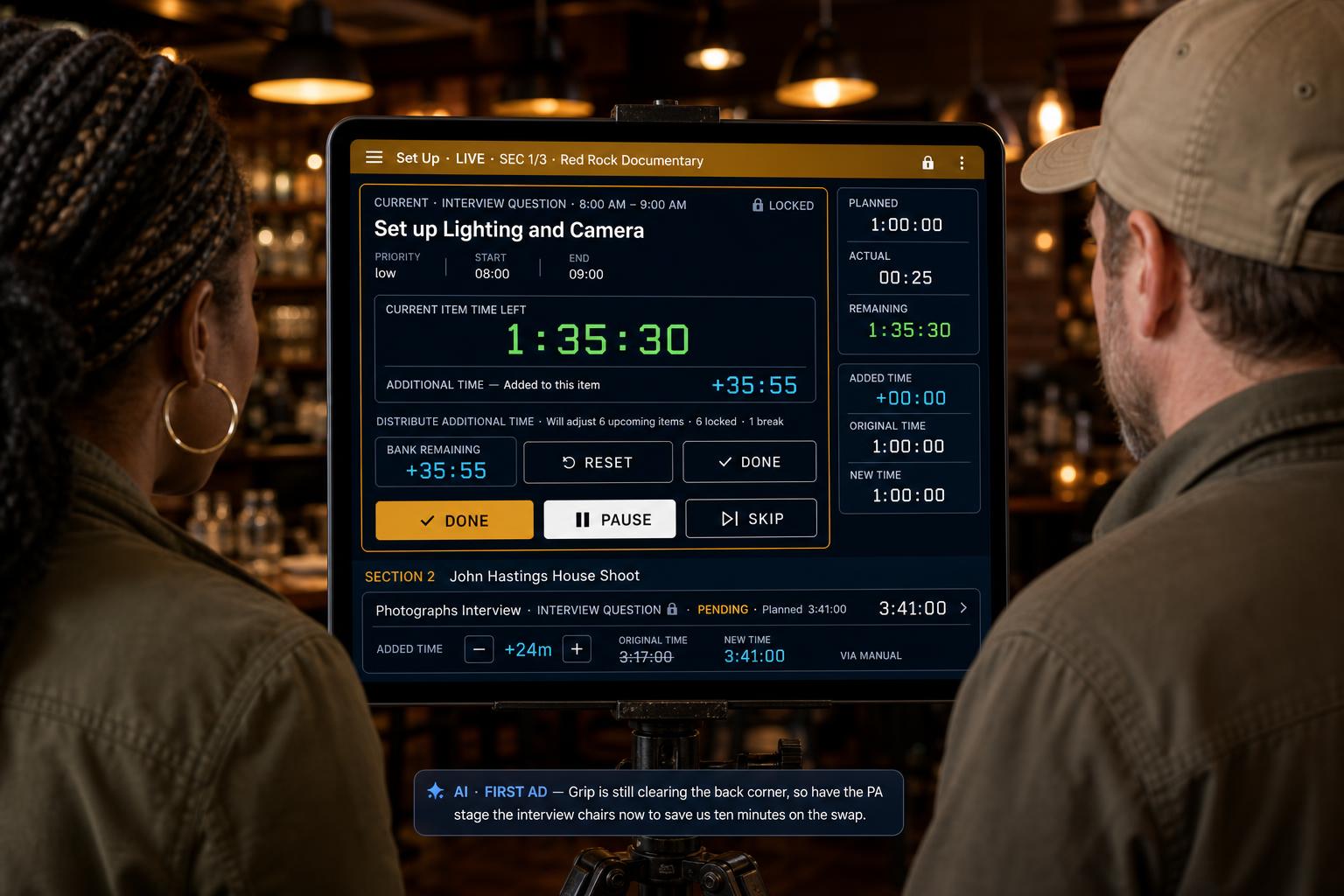
Your whole shoot day becomes one live, running clock. Tap Done, Next, Pause, or Resume and the rest of the schedule reshapes itself in real time. Time multiple units as you go from tab to tab seamlessly. Finish early and bank minutes forward; run long and the overrun absorbs downstream. Pin meals and hard wrap to the clock so the day redistributes around them, never through them.
- Run the dayDone, Next, Pause, Resume, and auto-advance.
- Bank time, absorb overrunEarly finishes bank forward; overruns subtract downstream.
- Redistribute in two clicksEvenly or Manually across any upcoming item.
- Clock-anchors + Day TrimLock fixed clock points; trim overrun from the current item.
- AI First ADSpots gaps before breaks and surfaces short items to slot in.
- Live status & guardrailsAhead/behind indicator, wake-lock, and planned-vs-actual wrap.
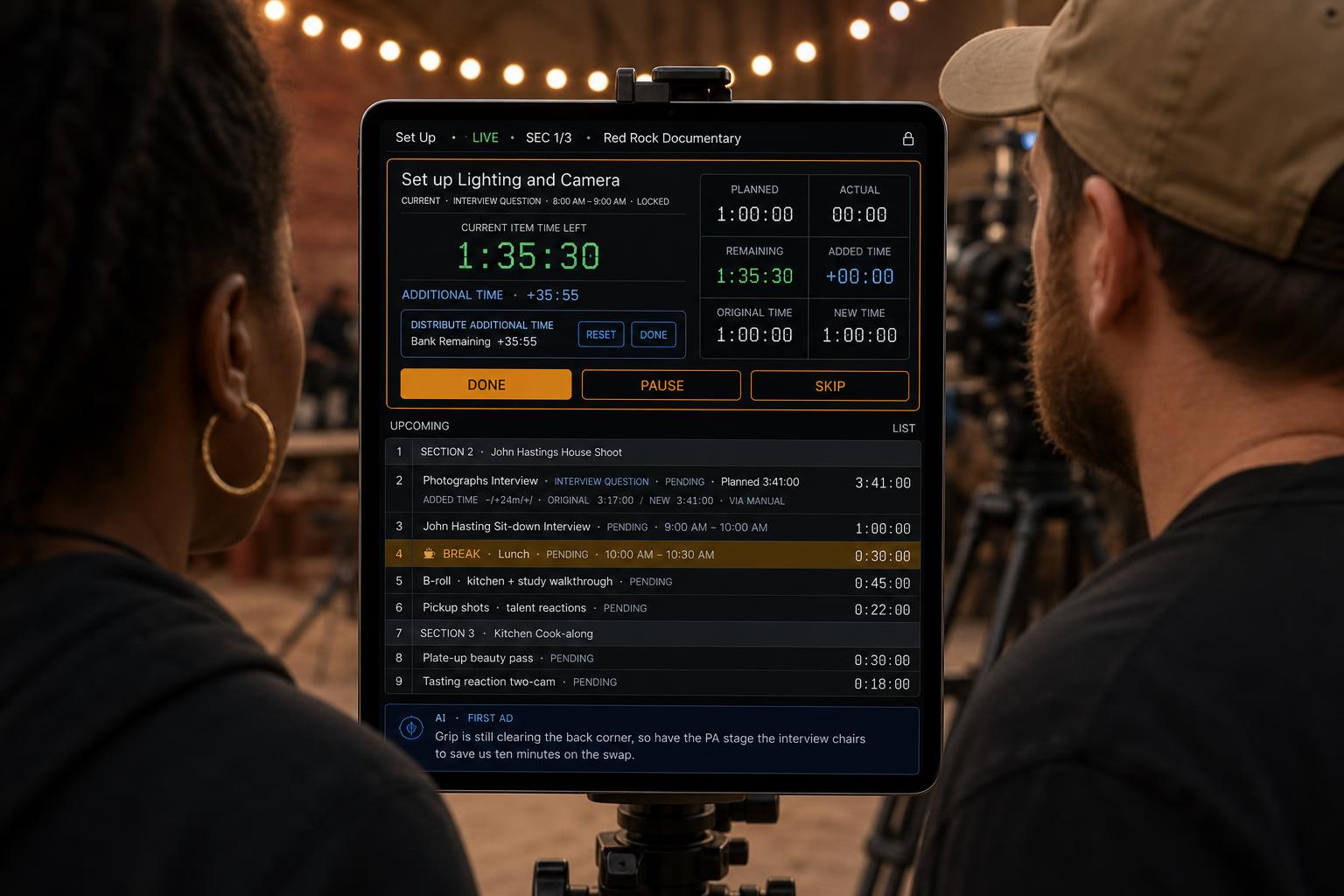
When the interview runs long, the B-roll gets cut, or lunch moves, your plan should move with the day.
Let the client, producer, or crew watch the day live — from anywhere.
Hit Share Live and get a link you can send to anyone. They open it and see the exact rundown you're running — current item, time left, what's next — updating in real time as the day unfolds. No accounts, no downloads, no way to touch your schedule.
- One link, anyone can watchSend a producer, client, or crew member a link. No account, no login — they open it and see the day in progress.
- Read-only by designViewers can scroll the rundown and see what's live, what's next, and how the timing is running. They can't change anything.
- Updates in real timeHit Next, add time, or lock an item — every viewer sees the change instantly. No refresh, no delay.
- You stay in controlPick what to share — notes, call sheet, shot list. Stop sharing any time. Links expire automatically when the day wraps.
Run simultaneous units without losing the thread.
Real shoots rarely happen in a single line. NorthSlate lets you run parallel units — A-cam, B-roll, second team, interviews, drone — each with its own live timer and rundown, while you keep one clear view of the whole day.
- Run multiple units at onceSplit the day into separate units — A-cam, B-roll, second team, interviews — each with its own live timeline.
- One dashboard, every unitSwitch between units instantly without losing context. See what each one is doing right now and what is next.
- Crew stays in the right laneAssign crew and gear to specific units so everyone knows which timeline they are following.
- Sync without the chaosWhen one unit finishes early or slips, the others keep their own rhythm — no accidental ripple through unrelated work.
B-Roll unit is tracking ahead. Suggest moving the drone unit up 12 minutes to catch the light window.
AI Checks: a second set of eyes when you are already doing five jobs.
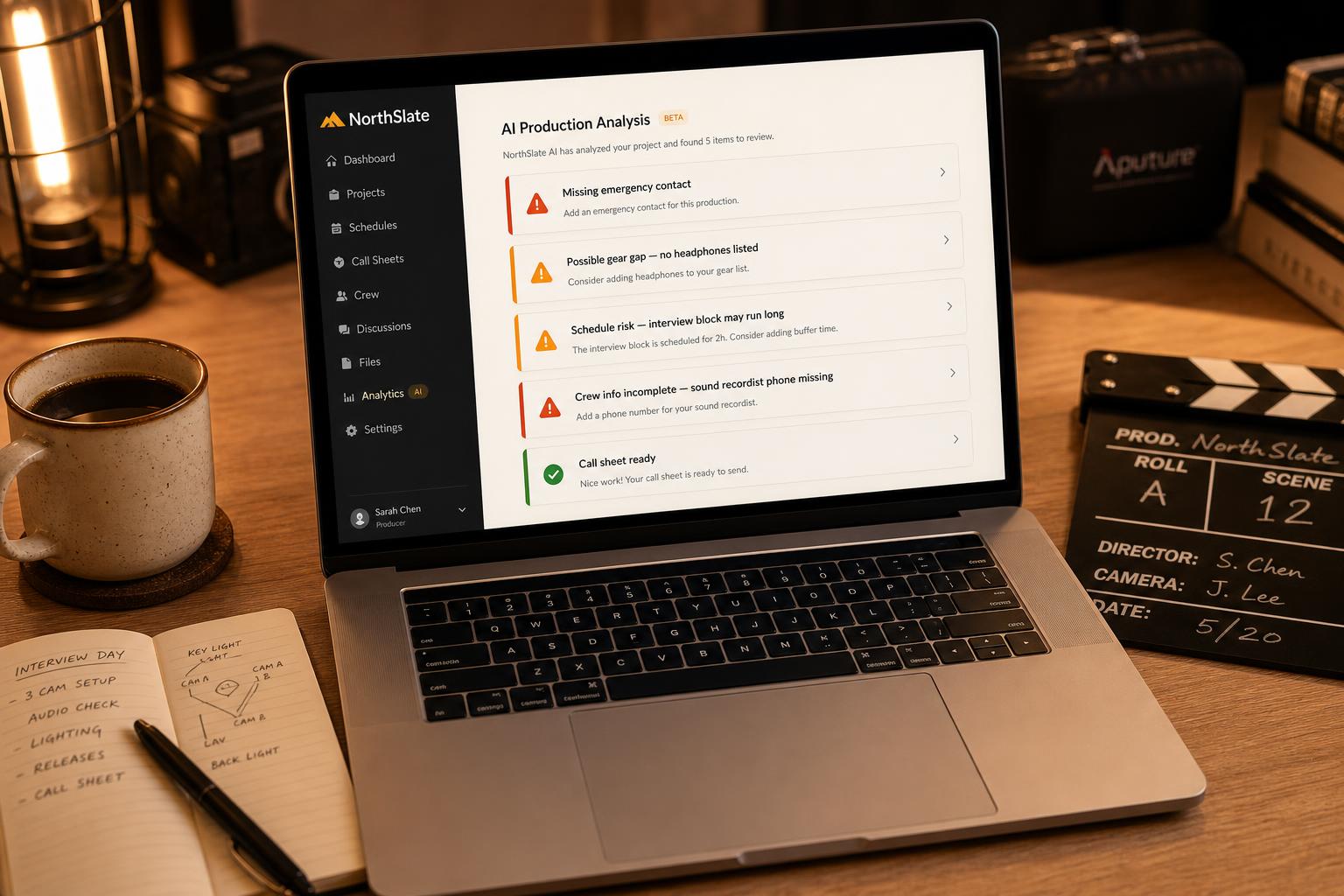
NorthSlate AI reviews the shoot day, call sheet, gear list, crew, schedule, and rundown sections to flag the details that are easy to miss when you are producing, directing, shooting, packing gear, and watching the clock.
- Missing crew contact info
- Missing talent details
- Missing emergency information
- No break added
- Overbooked sections
- Schedule conflicts
- Gear gaps
- Missing media cards or batteries
- Missing audio essentials
- Incomplete location notes
- Call sheet issues before export
It does not replace your judgement. It helps you catch the stupid little things that ruin a day.
Website Assistant: answers while you explore.
The little chat bubble in the corner is a built-in AI assistant trained on NorthSlate. Ask it anything about the app without leaving the page.
- Explains features and how they work
- Walks you through pricing and plans
- Helps with signing in and account issues
- Troubleshoots problems in plain language
- Points you to the right page or section
- Available 24/7, no waiting on email
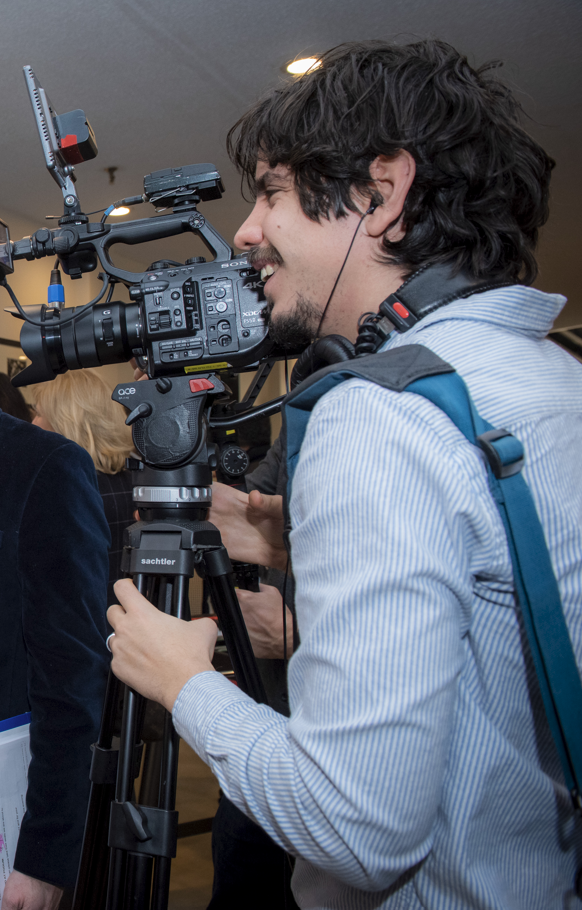
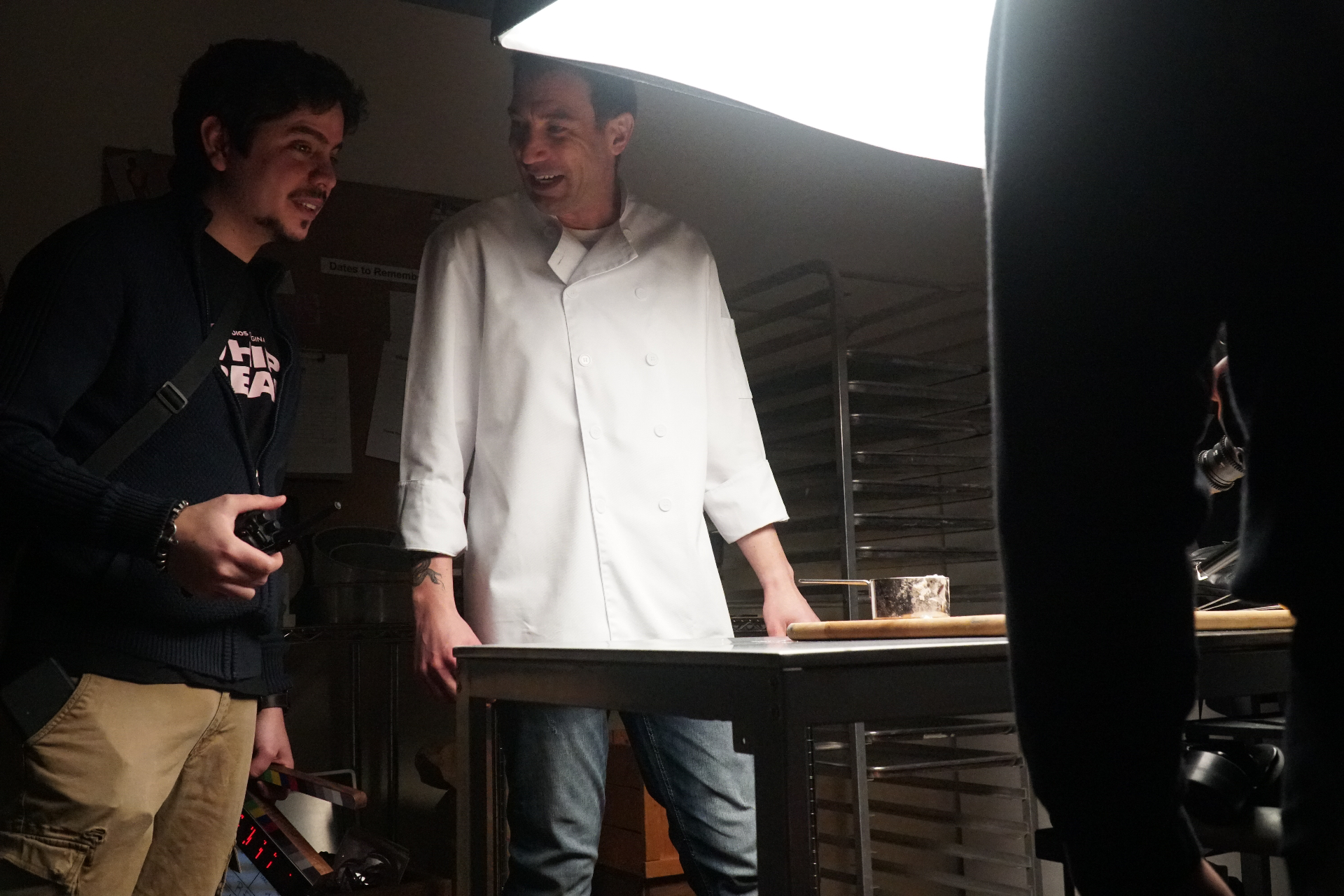
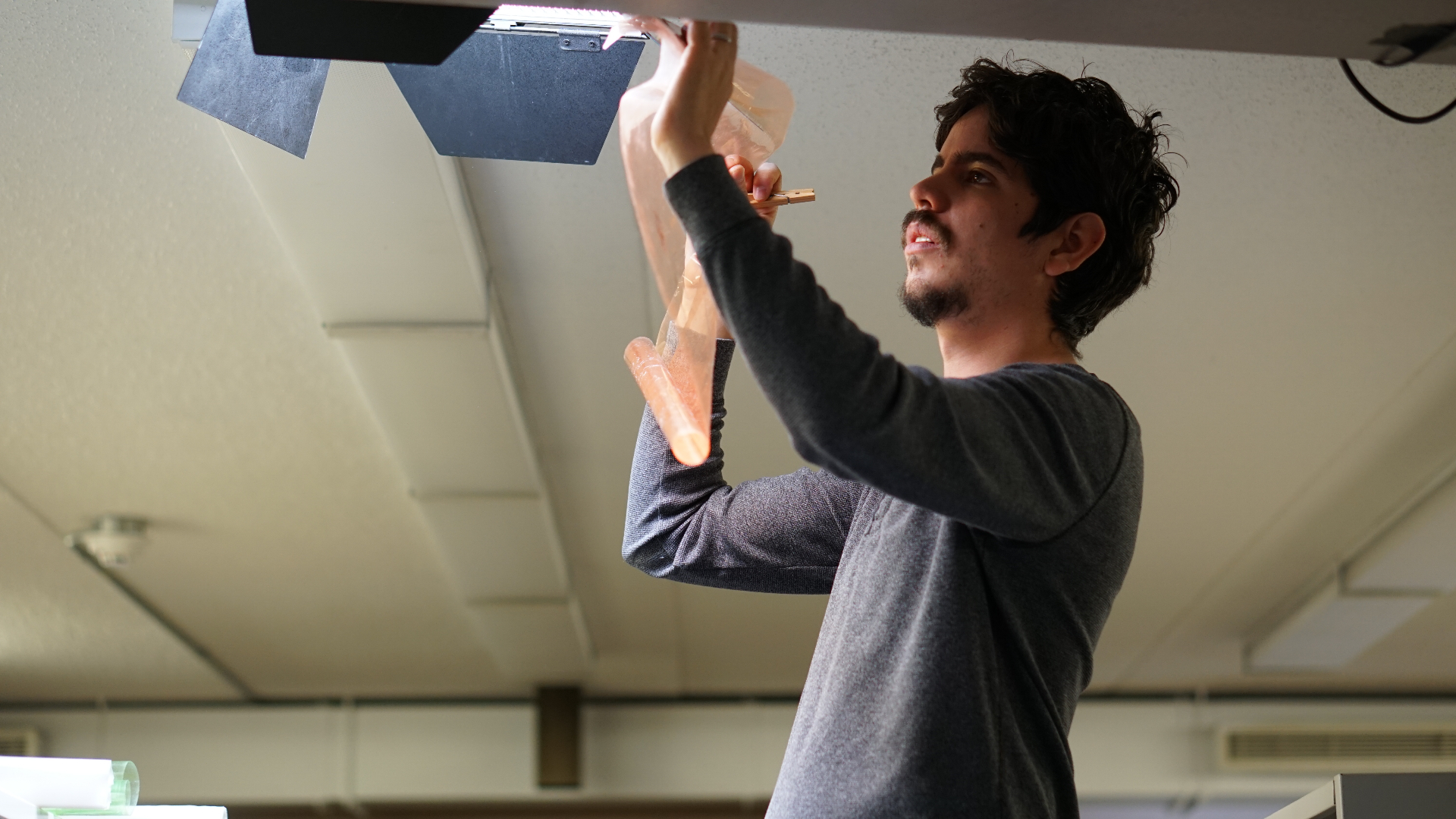
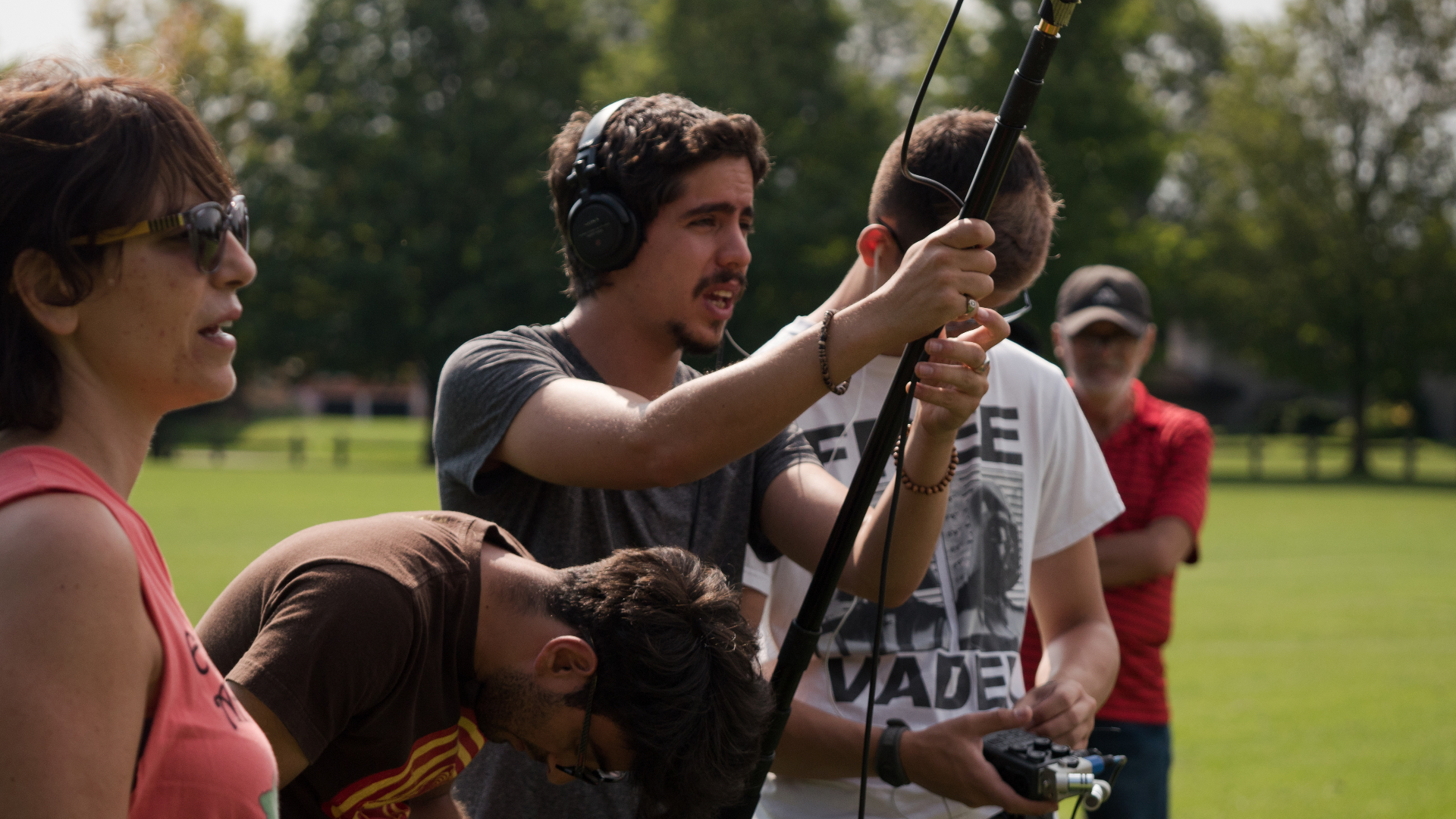
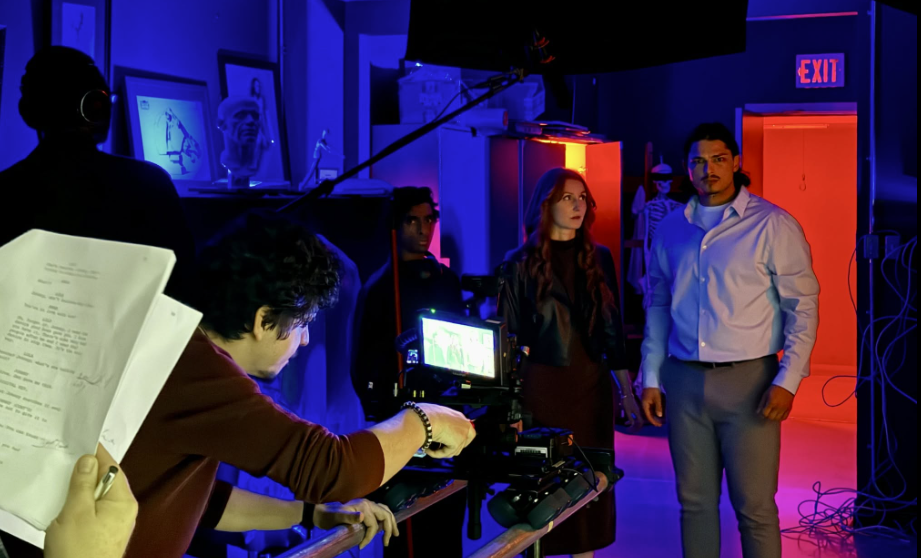
Built by someone who got tired of juggling five apps on set.
NorthSlate was created by Andres Rojas Anton, a Toronto-based filmmaker and production professional with over a decade of experience across editing, camera, sound, directing, cinematography, 1st AD work, and technical supervision.
The app comes from a real production problem: the plan lived in one place, the call sheet in another, the gear list in a spreadsheet, the notes on a phone — and when the shoot started, none of it helped run the day live. Andres wanted an app that worked with him, not against him — one that didn't throw up obstacles, but actually moved smoothly and quickly, cutting through the friction that slows a shoot down. NorthSlate was built to connect the parts that actually matter before, during, and after the shoot, and to make the shooting process faster even when the day fights back.
Every screen in NorthSlate was built while Andres was running real productions — drafted between setups, tested on the ground, and rewritten the moment something didn't hold up on a live set. The call sheet you're looking at was shaped the same way: in the field, under pressure, on actual shoot days.
"I didn't want another giant system to manage. I wanted one place to build the day, send the info, and actually run the set."
Simple pricing. No production-budget jump scare.
Closed beta for solo shooters and small crews: full access for 60 days. After 60 days you keep everything on Free, or stay on Pro.
Try NorthSlate with one project, one shoot day, and up to 5 rundown sections.
- One project
- One shoot day
- Basic planning
- Try the workflow
For solo shooters and small crews who want the full system.
- Unlimited projects
- Unlimited shoot days
- Forms
- Call sheet PDFs
- AI production checks
- Cloud sync
- Equipment templates
- Live Production Mode
- Wrap summaries
No bloated production software pricing. One clear plan for people actually making things.
NorthSlate FAQ: questions before you start.
Join the beta with NorthSlateTurn "I think we're good" into "I know exactly what's next."
Build the call sheet, check the gear, let AI catch the gaps, run the live schedule, and wrap with proof — all from one production command center.
Questions? hello@northslate.app
Simple enough for a one-person shoot. Strong enough when the day gets bigger.